


If your elbow aches after a long day at the computer, you’re not imagining it. Computer elbow, also called “mouse elbow,” is a real, common issue—one that shows up gradually and tends to stick around until you intentionally address it. It happens when long periods of typing, mouse use, or resting your weight on your forearms irritate the elbow tendons. In many ways, this condition behaves like early tennis elbow or golfer’s elbow, just without the sports.
The good news: physical therapy is one of the safest and most effective ways to restore comfort, improve how you move, and prevent irritation from turning into a bigger problem. With a few simple PT exercises and ergonomic tweaks, you can take meaningful pressure off your elbow and get back to working comfortably.
This guide walks you through how to treat computer elbow with practical, therapist-backed strategies you can start today.

What Is Computer Elbow?
Computer elbow refers to tendon irritation caused by the repetitive movements used while sitting at a desk: typing, clicking, scrolling, or unconsciously leaning on an armrest.
It often mirrors the early stages of:
- Lateral epicondylitis (tennis elbow): Irritation on the outer elbow from repetitive wrist extension.
- Medial epicondylitis (golfer’s elbow): Irritation of the inner elbow from repetitive wrist flexion.
Poor posture, low-grade muscle fatigue, and hours of uninterrupted work amplify that strain, eventually leading to pain and stiffness.
Common Symptoms of Computer Elbow
Symptoms usually build slowly. You may notice:
- A dull ache or sharp twinge around the elbow
- Tenderness on either the inner or outer elbow
- Tightness or fatigue in the forearm muscles
- Pain when gripping, lifting, typing, or using a mouse
- Tingling or numbness (a sign the ulnar nerve may be irritated)
If these sensations come and go depending on your desk setup or workload, computer elbow is likely the culprit.



What Causes Elbow Pain from Computer Use?
Most cases come down to a few predictable patterns:
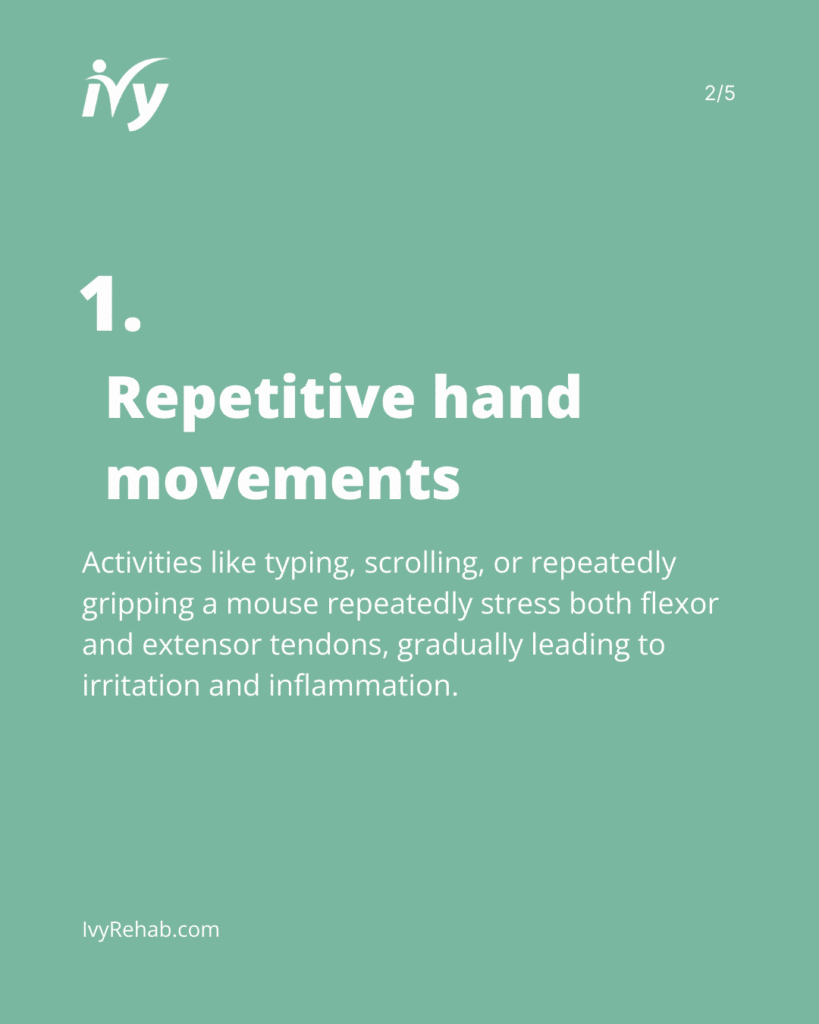
- Repetitive wrist movements: Typing, scrolling, and gripping or squeezing a mouse put repetitive strain on the flexor and extensor tendons.
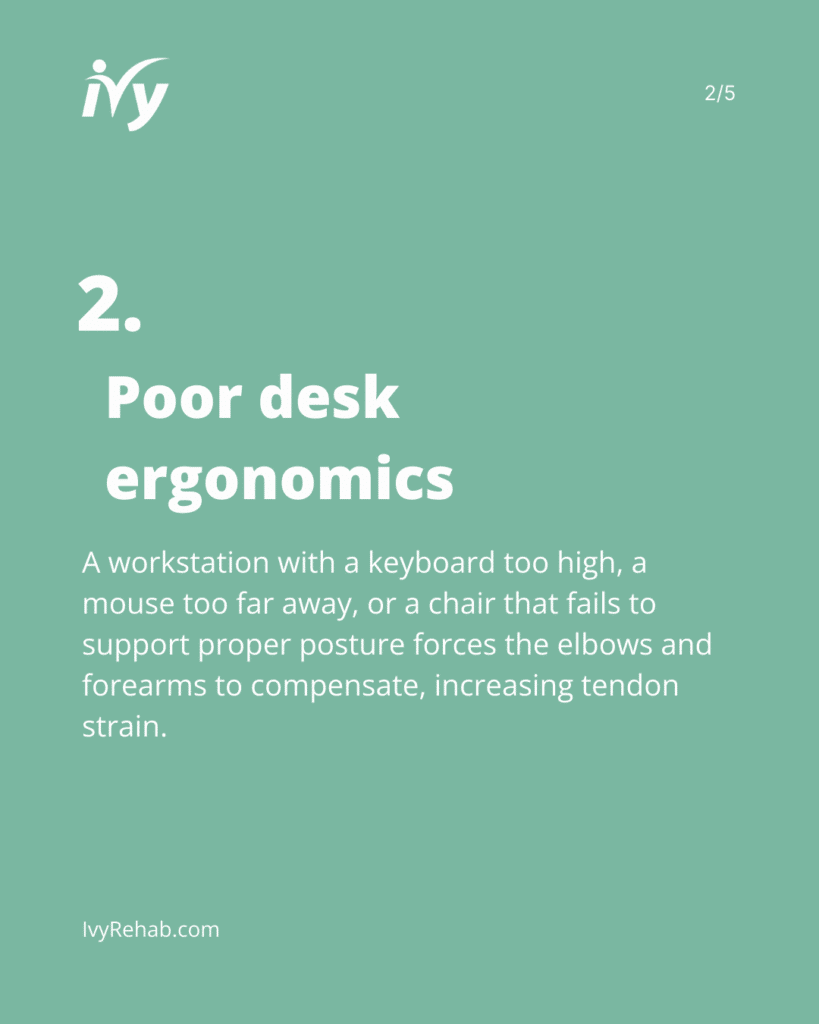
- Poor desk ergonomics: A keyboard that’s too high, a mouse that’s too far away, or a chair that doesn’t support your posture all shift extra strain to the elbow joint and tendons.
- Weak shoulder and postural stabilizers: When the upper body fatigues, the elbow and forearm absorb the load.
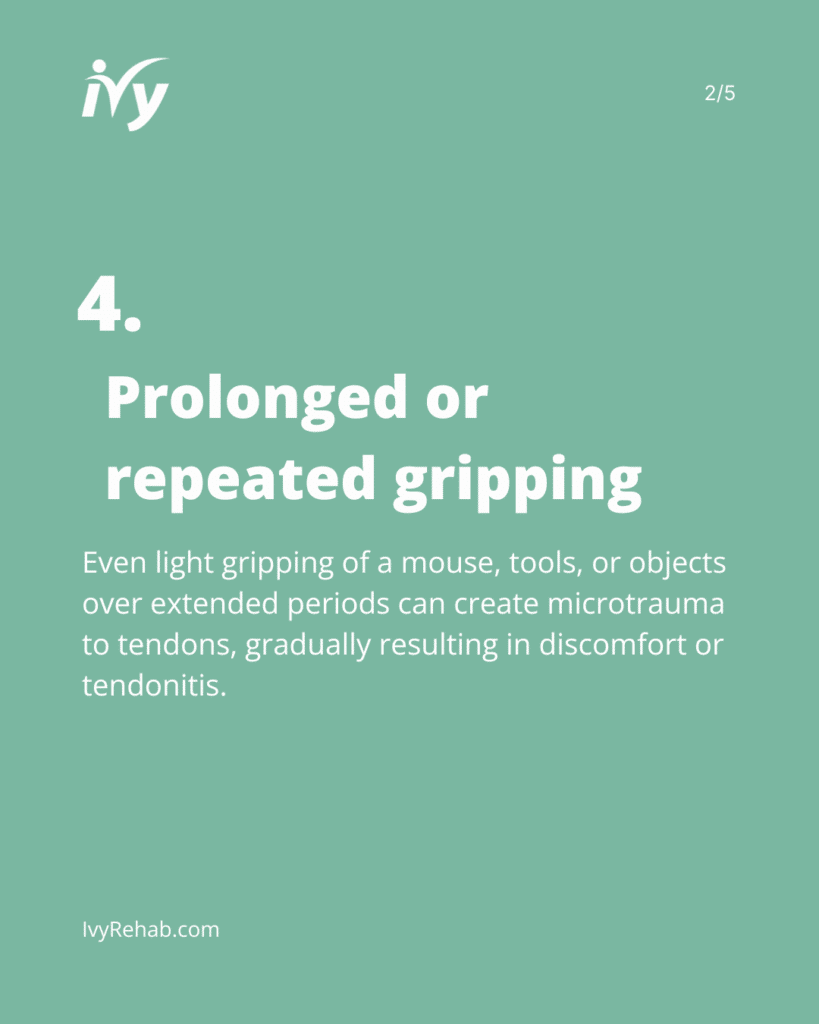
- Constant mouse gripping: Even mild force, repeated all day, can lead to tendon irritation.
- Leaning on your elbows: This can compress the ulnar nerve, leading to pain, weakness, or fingers “falling asleep.”
Understanding which of these habits applies to you is a key step in determining the best approach to treating computer elbow pain.
How Physical Therapy Treats Computer Elbow
Physical therapy targets the true drivers of discomfort, not just the painful area. As Ivy Rehab clinical expert Eric Cohen, PT, OCS, FAAOMPT, explains, early intervention prevents tendon pain from snowballing into chronic pain.
Here’s what PT typically includes:
Manual Therapy
Your therapist uses hands-on techniques to help reduce muscle and tendon tension and improve circulation.
Stretching & Mobility Work
Gentle stretching for the forearm flexors and extensors relieves strain and restores flexibility.
Strengthening Exercises
Targeted strengthening of the wrist, forearm, shoulder, and scapular muscles builds resilience so your elbow doesn’t have to take on more work than it should.
Ergonomic & Posture Education
Small desk adjustments can dramatically reduce irritation from repetitive stress on the elbows. Make sure your keyboard is supportive and positioned correctly, adjust your chair to the proper height, or invest in a wrist pad. Your therapist will help customize your setup.
Activity Modification
Identifying the pain caused by repetitive, aggravating habits—like gripping the mouse tightly, typing with bent wrists, or repeatedly working for long hours without regular breaks—helps you break the cycle of irritation.
PT Exercises to Relieve Computer Elbow Pain
Below are safe, therapist-approved movements commonly used in computer elbow pain treatment. Move slowly and never push through sharp pain.
1. Wrist Extensor Stretch
Helps relieve outer elbow pain.
- Extend your arm in front of you, palm down.
- Gently pull the back of your hand toward the floor.
- Hold 20–30 seconds. Repeat 2–3 times.
2. Wrist Flexor Stretch
Targets inner elbow tightness.
- Extend your arm, palm up.
- Gently pull fingers toward the floor.
- Hold 20–30 seconds. Repeat 2–3 times.
3. Eccentric Wrist Curls
Great for improving tendon resilience.
- Hold a light weight with your palm up.
- Use your other hand to help lift the wrist, then slowly lower it on its own.
- 3 sets of 10–12 reps.
4. Forearm Pronation/Supination
Improves rotation and reduces stiffness.
- Bend your elbow
- Rotate palm up, then palm down, slowly and with control.
- 10 reps each direction.
5. Scapular Retractions
Supports posture so your elbows don’t overwork.
- Sit or stand tall.
- Gently pull your shoulder blades together.
- Hold 5 seconds. Repeat 10–12 times.
Ergonomic Tips to Prevent Computer Elbow
These small shifts can be game-changing:
- Keep wrists neutral—not bent up or down—while typing.
- Position your mouse close to your body to reduce reaching.
- Adjust chair height so your shoulders stay relaxed.
- Avoid propping your weight on your elbows or armrests.
- Take movement breaks every 20–30 minutes (even 20 seconds helps).
Replacing one or two habits often starts the healing process before you even begin formal therapy.
Reclaim Your Strength and Mobility
Experience tailored physical therapy programs designed to alleviate pain and restore function.
When to See a Physical Therapist
It’s time to consult a PT if you notice:
- Pain lasting longer than 1–2 weeks
- Difficulty gripping, lifting, making a fist, or typing
- Swelling or reduced elbow motion
- Symptoms that interfere with your ability to work comfortably
Ivy Rehab clinician Eric Cohen, PT, DPT, emphasizes that persistent pain, weakness, or movement changes are clear signs you’d benefit from a full evaluation for a speedy recovery. Early care helps prevent chronic tendon irritation.
Why Choose Ivy Rehab for Computer Elbow Treatment
At Ivy Rehab, we take a whole-person approach to tendon health. Our orthopedic specialists provide:
- One-on-one evaluations
- Evidence-based manual therapy
- Customized strength and mobility programs
- Ergonomic coaching tailored to your workstation
- Support that evolves as you progress
You’ll never feel rushed, and you’ll always know why each part of your program matters.
You Don’t Have to “Work Through It”
Computer elbow is incredibly common, but it’s also very treatable. With the right combination of rehabilitation physical therapy exercises, ergonomic adjustments, and guided strengthening, you can minimize pain, restore comfort, and protect your elbow from future injury.
If you’re ready to take the next step toward lasting relief, we’re here to help. Find a clinic near you and schedule an appointment to get back to working comfortably and confidently.
References
- Coombes BK, Bisset L, Vicenzino B. Tendinopathy: Pathophysiology and Management. BMJ. 2015.
- Walker-Bone K. Repetitive Strain Injuries and Office Work. Occup Med. 2012.
- Thorson CM et al. Work-related Musculoskeletal Disorders in Computer Users. JOSPT. 2012.

Before you go
Find the right therapy today.
Discover how Ivy Rehab can help you get back to doing what you love.